
Generate QR Codes. Capture Leads. Track Every Scan.
Turn Scans Into Customers.
Create a free QR code in seconds. When you're ready to capture leads, track scans, and convert visitors into customers, start free with QRHopr.
Create a free QR code
No signup required. Want to turn scans into customers? Start free to unlock lead capture, analytics, and redirects.
QR Code Preview
Real-Time QR
Tracking & Analytics
Track scan activity as it happens and uncover valuable insights about your audience, locations, and campaign performance.
1. Create Your QR Code
Track scan activity as it happens and uncover valuable insights about your audience.
2. Capture Leads & Engagement
Collect customer information, enable tracking features, and connect every scan to valuable engagement data.
3. Track Performance & Insights
Monitor scans, locations, devices, and campaign performance through real-time analytics and reporting.
Simple Pricing.
Powerful Insights.
Everything you need to create, track, and optimize your QR campaigns.
Perfect for individuals exploring dynamic QR codes.
- 4 Dynamic QR Codes
- 50 Scans
- Basic Analytics
- QR Branding
- Community Support
Everything you need to get started and grow.
- 50 Dynamic QR Codes
- 50 Scans
- Basic Analytics
- QR Branding
- Priority Email Support
Advanced features and API access for growing businesses.
- 100 Dynamic QR Codes
- 2500 Scans
- Advanced Analytics
- QR Branding
- API Access
- Rate Limit Boost
- Priority Email Support
For businesses with advanced needs and higher scale.
- 50000 Dynamic QR Codes
- Unlimited Scans
- Advanced Analytics
- QR Branding
- API Access
- Rate Limit Boost
- Dedicated Support
- Dedicated Manager
- Advanced Security
What Users are Saying
Trusted by teams across industries.
QRHopr helped us understand exactly where our customers were engaging. The analytics are simple to use, and the lead capture feature has significantly increased our conversion rate.
Michael Rodriguez
Marketing Manager
See how businesses use QRHopr to capture leads, track engagement, and gain insights from every scan.
Sarah Mitchell
Restaurant Owner
QRHopr focuses on post-scan actions. Its tracking and reporting tools are key to our marketing strategy.
David Thompson
Business Consultant
The platform is intuitive and packed with analytics. We track customer engagement across campaigns in real time.
Jessica Martinez
Retail Store Manager
Smarter Marketing
Discover how QRHopr helps businesses bridge the gap between offline interactions and online engagement.
Link
Link to any Website URL
V Card
Link to any Website URL
PDF File
Link to any Website URL
Images
Link to any Website URL
WIFI
Link to any Website URL
App Store
Link to any Website URL
Digital Menu
Link to any Website URL
Link
Link to any Website URL
Let's Get in Touch
Have questions about our API, pricing, or enterprise solutions? We'd love to hear from you.
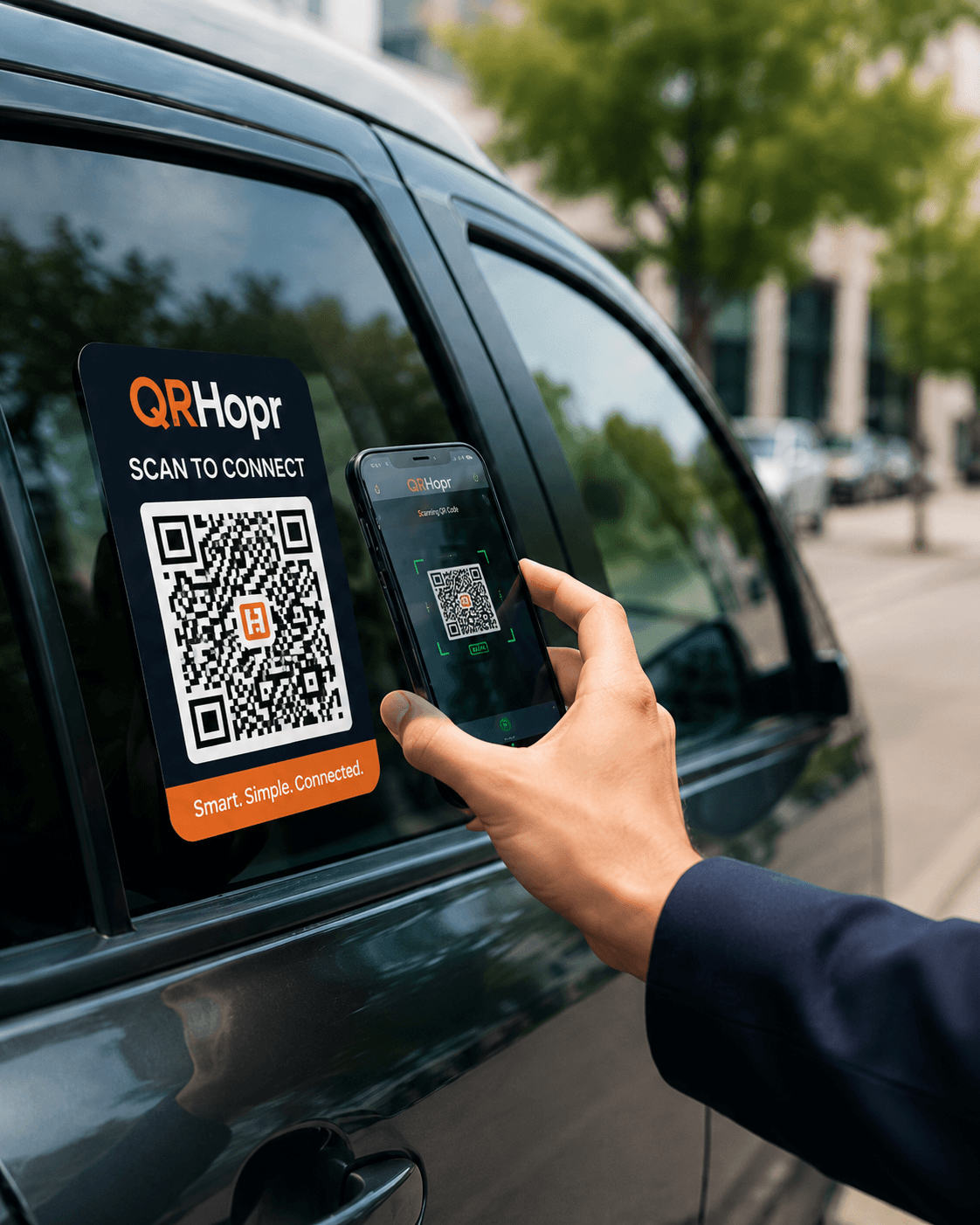
Common questions
Track scan activity as it happens and uncover valuable insights about your audience, locations, and campaign performance.
Can I change where a QR code goes later?
Can I use it for multiple companies?
Does it support an API?
What are Dynamic QR Codes?
How does QRHopr benefit developers?
Can I get data on my QR code scans?
Features
Dynamic QR Codes built for businesses that move fast.
QRHopr keeps your printed QR codes stable while your destinations change behind the scenes. Never reprint a QR code again.
No reprinting
Update destinations anytime.
Dynamic redirects
One QR can point anywhere.
Real-time analytics
Track scans and engagement.
Global reach
Access a global audience with powerful QR infrastructure.
FAQ
Common questions
API First
Create, update, and manage redirects from your own apps.
Expose QRHopr as an internal service or public platform. Great for multi-company redirect systems, labels, asset tracking, campaigns, and custom QR workflows.
POST /api/links
Content-Type: application/json

{
  "code": "acme-001",
  "destination_url": "https://company-a.com/offer",
  "is_active": true
}GET /q/acme-001 → 302 Redirect to destination_url